
 English
 русский
 Español
 عربى
عربى

Refrigerated Display Chillers for Meat, Fruit & Vegetable
Content
- 1 Overview: Purpose and key performance goals
- 2 Temperature & humidity: targets and why they matter
- 3 Case types and layout planning for visual appeal and safety
- 4 Product handling, stocking and rotation procedures
- 5 Sanitation, maintenance and service intervals
- 6 Energy efficiency, controls and advanced features
- 7 Purchasing and installation checklist
- 8 Quick operational checklists (printable)
- 9 Final recommendations and next steps
Overview: Purpose and key performance goals
Refrigerated display chillers are purpose-built to showcase and preserve perishable foods—meat, fruits and vegetables—while keeping them safe and visually appealing. Unlike back-of-house refrigerators, display chillers balance four demands simultaneously: precise temperature control, appropriate humidity, attractive presentation, and easy customer access. This article focuses on practical, actionable guidance: what temperatures and humidity levels to aim for, how to pick the right case type, how to arrange products for safety and sales, and daily/weekly maintenance routines that prevent spoilage and lower operating cost.
Temperature & humidity: targets and why they matter
Maintaining correct temperature and humidity is the single most important factor for food safety and shelf life. Temperatures that are too warm accelerate bacterial growth and enzymatic decay; too cold can cause freezing damage to produce. Humidity impacts moisture loss and weight shrinkage for produce, and surface dryness for meat.
Recommended setpoints by product
| Product category | Temperature (°C) | Relative Humidity | Notes |
| Fresh red meat (displayed pre-packaged) | 0–2°C | 85–90% to prevent surface drying | Avoid draft across meat; rotate stock often. |
| Poultry (packaged) | 0–2°C | 80–90% | Separate from ready-to-eat items to avoid cross-contamination. |
| Hard fruits (apples, pears) | 0–4°C | 90–95% to limit weight loss | Ethylene control may be required for mixed displays. |
| Leafy greens & soft vegetables | 0–2°C | 95–100% (misted or high humidity) | Misting systems reduce wilting but add complexity. |
Practical tips for stable conditions
- Use digital temperature logging with alarms for excursions outside setpoints.
- Avoid frequent door openings on closed cases; for open cases, position to reduce direct drafts from HVAC systems.
- Install humidity controls or simple passive measures (water trays or misting) specific to produce needs.
Case types and layout planning for visual appeal and safety
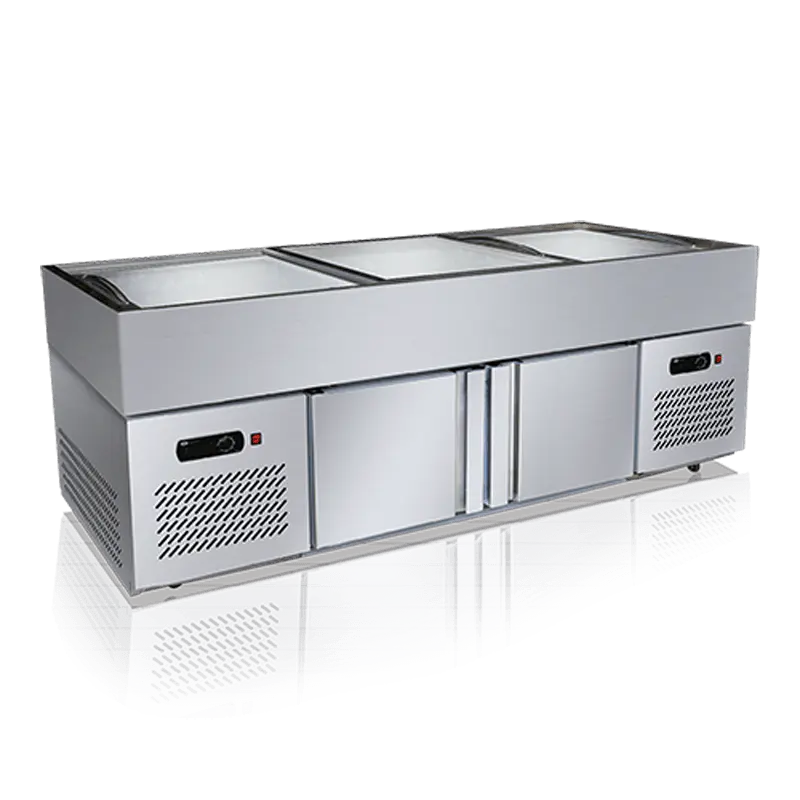
Choosing the right case type (open air, glass front, island, multi-deck) affects sales, energy, and food safety. Layout planning should separate raw meat from ready-to-eat or prepared produce to prevent cross-contamination and manage airflow.
When to choose each case type
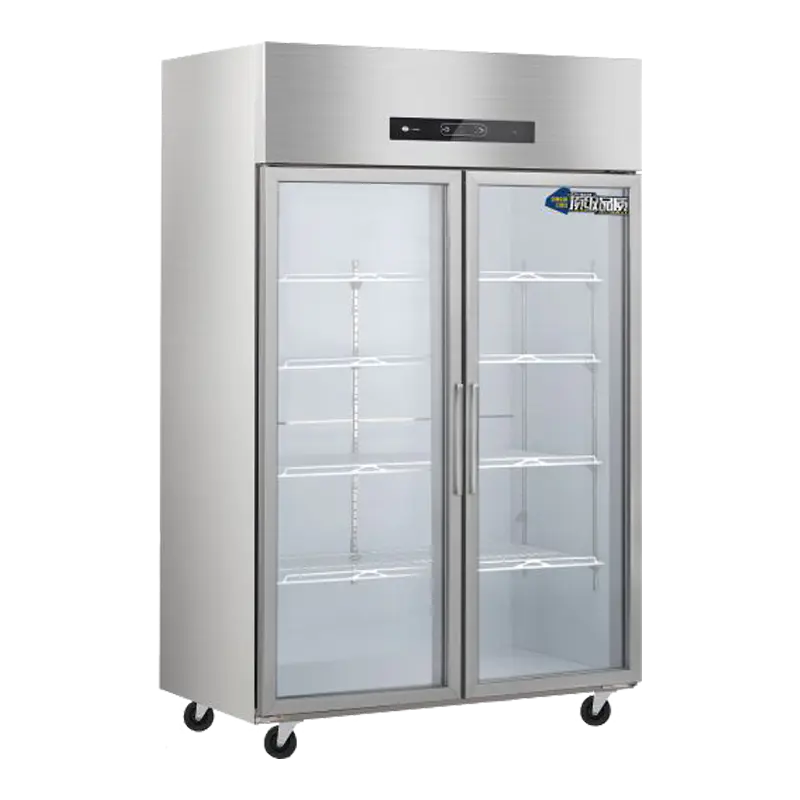
- Glass-front cases: best for packaged meats and value-added items—better temperature stability and hygiene control.
- Open multi-deck cases: great for high-turnover produce but need careful humidity and airflow management.
- Island displays: high visibility for premium cuts or seasonal produce; ensure maintenance access on both sides.
Layout best practices in the retail space
Place raw meat displays away from deli and salad bars. Use physical separation (different islands or glass cases) and signage. For cross-merchandising (e.g., salad kits near greens), use adjacent but separate cases and clearly label temperatures. Ensure staff traffic patterns do not require carrying raw products past exposed produce.
Product handling, stocking and rotation procedures
Operational discipline reduces waste and food-safety risk. Create standard operating procedures (SOPs) for receiving, inspecting, storing and displaying chilled items. Train staff on proper glove use, avoiding bare-hand contact with ready-to-eat produce, and on first-in, first-out (FIFO) rotation.
Receiving and immediate checks
- Confirm transport temperature on delivery and reject shipments with prolonged warm exposures.
- Inspect packaging integrity and look for condensation that suggests temperature abuse.
- Tag arrival time and planned display time to enforce shelf-life rules.
Sanitation, maintenance and service intervals
A robust cleaning and maintenance schedule preserves equipment performance and product safety. Neglect increases microbial loads, causes odors, and reduces cooling capacity which shortens product life.
Daily and weekly tasks
- Daily: wipe shelving, remove spills immediately, check drain lines and ensure drain pans are clear.
- Weekly: deep clean shelving and gaskets, inspect door seals (if glass case), verify defrost cycles are functioning.
- Monthly: clean evaporator coils, check fan motors for unusual noise or vibration.
Service and record-keeping
Keep service logs for preventive maintenance: coil cleanings, refrigerant checks, and thermostat calibrations. Use logs to spot patterns (e.g., recurring high-temperature alarms at certain times) and address root causes such as ambient heat load or faulty door seals.
Energy efficiency, controls and advanced features
Modern display chillers can significantly reduce energy use and improve temperature stability when correctly specified and commissioned.
Practical energy-saving strategies
- Prefer cases with night curtains or automatic lids for overnight energy savings.
- Variable-speed fans and electronically commutated motors (ECMs) reduce power when full airflow is unnecessary.
- Heat reclaim from condensers can warm the store or water, improving overall site efficiency.
Control features to prioritize
Invest in controllers with data logging, setpoint scheduling, and remote alarm notifications. These features reduce risk by alerting staff before product quality is compromised and provide the records needed for compliance.
Purchasing and installation checklist
Buying the right chiller involves matching the case to the product and store environment, and planning for installation constraints (electrical service, floor loading, access for maintenance).
- Confirm store ambient conditions and door exposure before selecting an open or closed case.
- Verify electrical capacity, breaker sizing, and whether the case requires dedicated circuits.
- Plan for condensate disposal and access to coil banks for cleaning.
- Request factory performance data and on-site commissioning to validate temperatures under load.
Quick operational checklists (printable)
Use short checklists posted near chillers to keep staff aligned with critical daily checks. Below are two concise checklists you can print and pin.
| Daily Chiller Check | Weekly Chiller Check |
|
Record temperature log Inspect for spills and clean up Check door seals/gaskets |
Deep clean shelves and trays Check defrost cycle and timers Inspect evaporator coil access |
Final recommendations and next steps
Start by documenting current display temps and product losses for a month—baseline data helps prioritize upgrades. If you manage multiple stores, standardize case types and SOPs so staff training is consistent. When in doubt, ask manufacturers for on-site verification of case performance under real store loading rather than just lab numbers. Proper setpoints, disciplined rotation, and simple maintenance will extend shelf life, improve appearance, reduce shrink, and lower energy cost.